
The Extra tab in the Issue Panel provides additional tools for filtering, searching, and scheduling Jira issues.
It includes the following options:
The Auto Issue Schedule option allows ActivityTimeline to automatically schedule already assigned Jira issues that have estimates.
This helps teams quickly place unscheduled work on users’ timelines based on availability and workload.
The Bulk Reschedule option allows users to automatically reschedule multiple Jira issues that are already assigned and scheduled.
This is useful when plans change and scheduled work needs to be moved in bulk instead of updating each issue manually.
-
Quick JQL Search
ActivityTimeline also supports issue filtering through JQL Search.
Use this option when you want to display only issues that match specific Jira criteria.
To run a JQL search:
-
Enter your JQL query into the JQL Search field.
Example:
project = TA
-
Click Search.
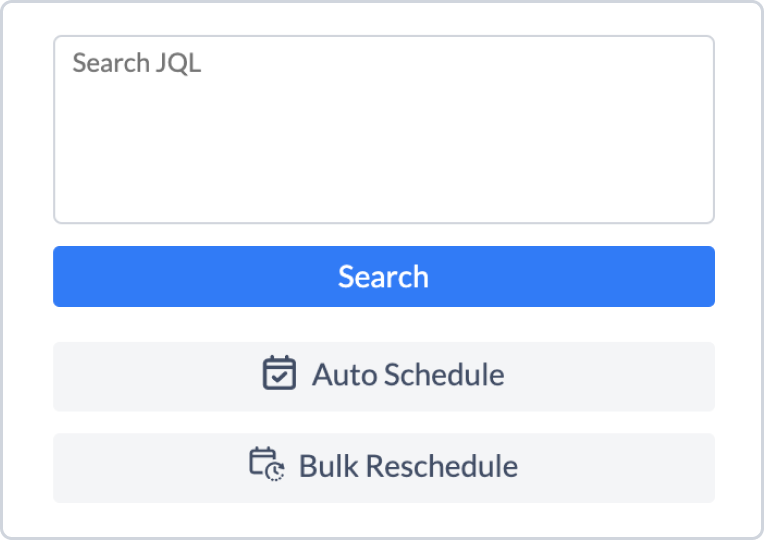
ActivityTimeline will update the Issue Panel and display only Jira issues that match the entered JQL query.