
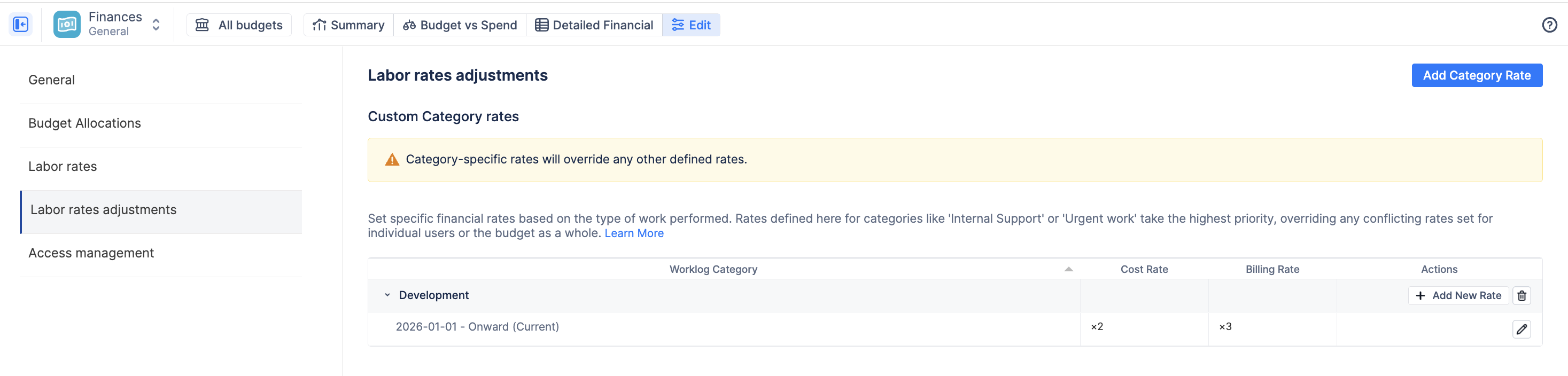
Category rates give you granular control over your financials by allowing you to price specialized work differently.
-
Navigate to the Labor rates adjustments tab in the left menu.
-
Click the blue + Add button.
-
Select the Worklog Category you want to price (e.g., "Urgent work").
-
Choose the Rate customization type:
-
Fixed Category Rate: Assign a specific, flat dollar amount (e.g., $150/hr for "Urgent work").
-
Multiplier: Apply a modifier to the user's existing rate (e.g., entering "1.5" means work logged under this category will cost 1.5x the user's standard rate).
-
-
Enter the values for Cost and Billing, then click Add.
💡 Note: Category-adjusted rates are the most specific rates in the system. They will always be used first, overriding both user-level and project-default rates for any worklogs assigned to that category.