
ActivityTimeline Advanced Edition unlocks additional features such as Finances, Alignment Report, and Premium Support.
The upgrade process depends on your Jira Cloud billing type.
There are two common cases:
|
Billing type |
How to upgrade |
|---|---|
|
Jira Cloud monthly billing |
Upgrade directly from your Jira app management page |
|
Jira Cloud annual billing |
Contact Atlassian Support and request the upgrade |
Option 1: Upgrade on Jira Cloud Monthly Billing
If your Jira Cloud site uses monthly billing, you can start the Advanced Edition trial directly from Jira app management.
Step 1: Open the Jira app management page
Go to:
https://YOUR_JIRA_URL.atlassian.net/plugins/servlet/
Replace YOUR_JIRA_URL with your Jira site name.
For example:
https://companyname.atlassian.net/plugins/servlet/
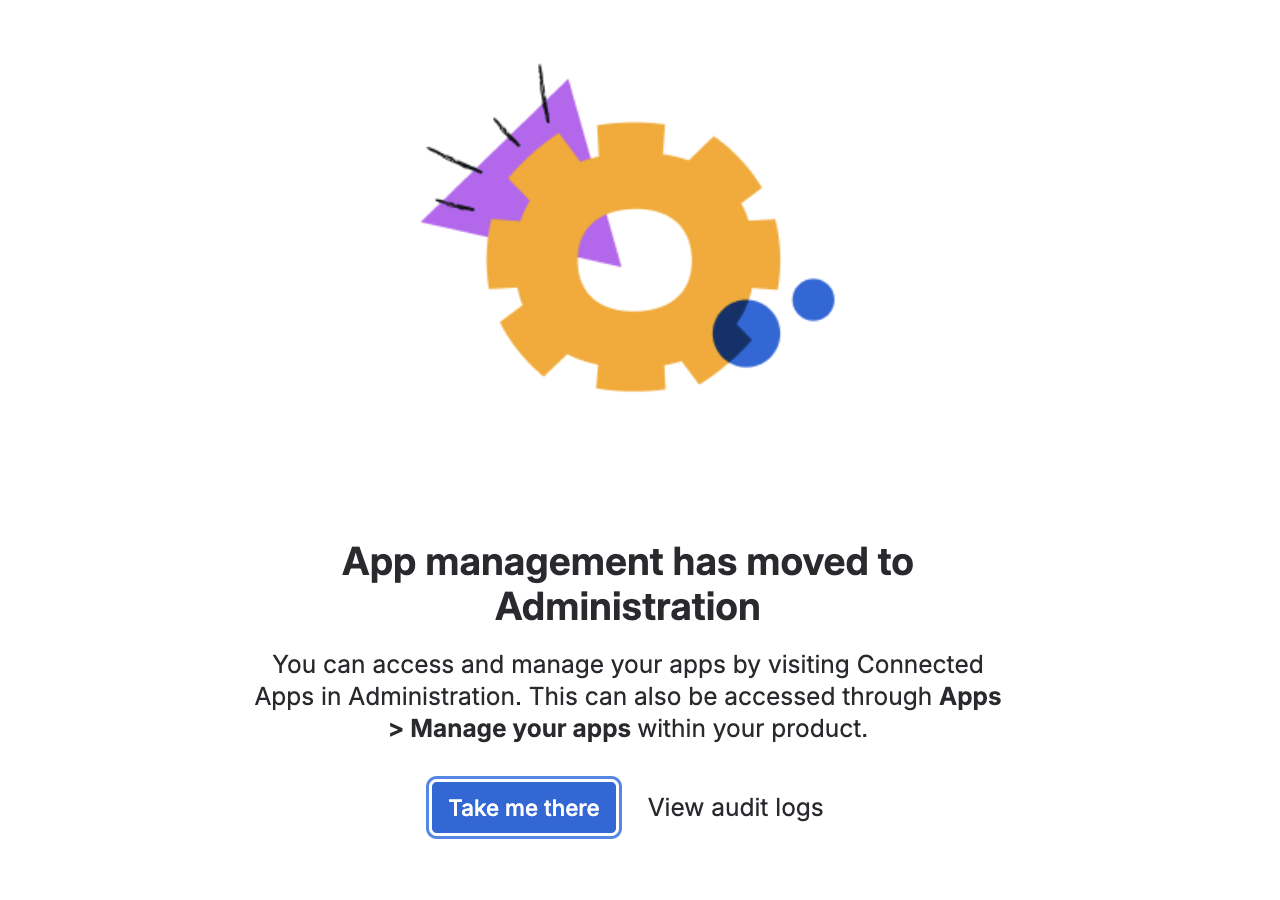
Step 2: Open Connected Apps Administration
On the app management screen, click:
Take me there
This will open the Connected Apps Administration page where your installed Jira apps are managed.
Step 3: Find ActivityTimeline
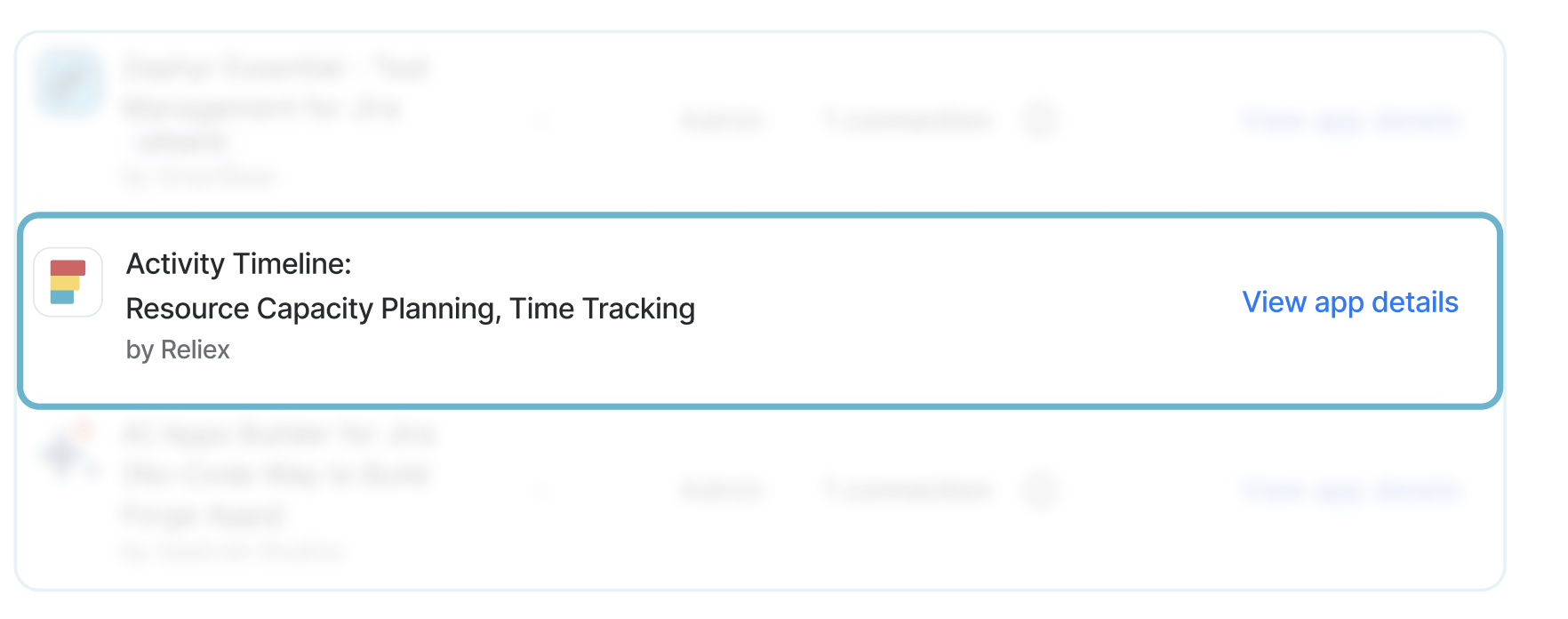
Find ActivityTimeline: Resource Capacity Planning, Time Tracking in the list of installed apps.
Click:
View app details
Step 4: Select Try Advanced
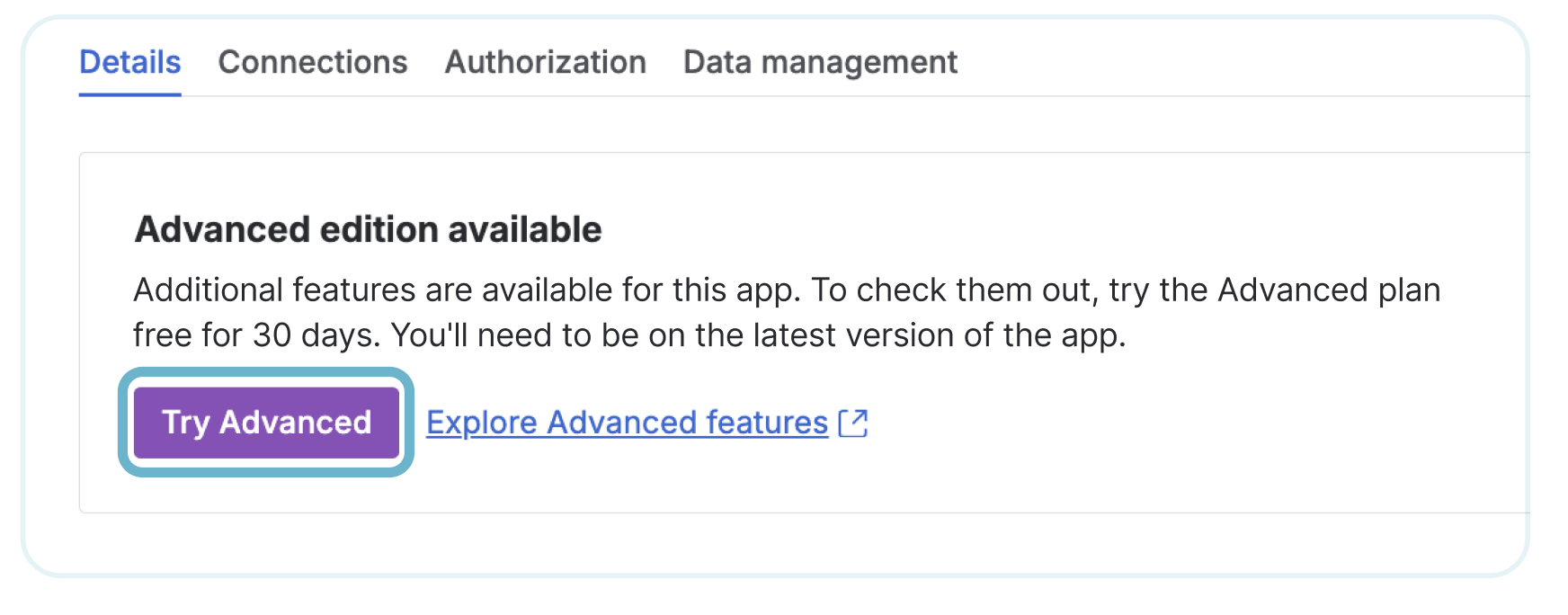
In the app details screen, find the section showing that Advanced Edition is available.
Click:
Try Advanced
Step 5: Start the Advanced trial
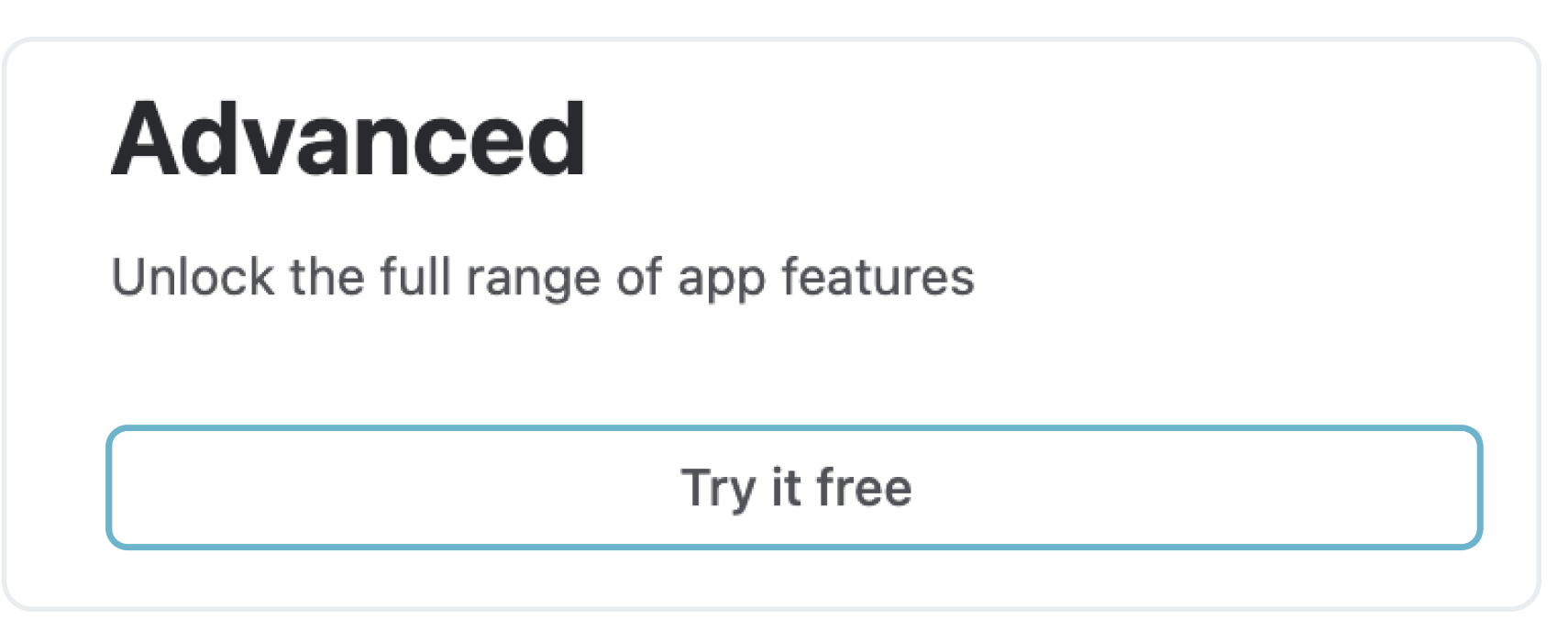
On the Advanced plan screen, click:
Try it free
Once the trial is activated, Advanced Edition features will become available in ActivityTimeline.
Option 2: Upgrade on Jira Cloud Annual Billing
If your Jira Cloud site uses annual billing, the upgrade cannot usually be completed directly from the app management screen.
In this case, you need to contact Atlassian Support and request the upgrade manually.
Step 1: Contact Atlassian Support
Go to:
https://support.atlassian.com/contact/
Step 2: Request the Advanced Edition upgrade
Submit a request to Atlassian Support asking them to upgrade the ActivityTimeline app to Advanced Edition.
You can use the following message:
Hello Atlassian Support team,
We would like to upgrade our ActivityTimeline app subscription to ActivityTimeline Advanced Edition.
Jira site URL:
https://YOUR_JIRA_URL.atlassian.net
App name: ActivityTimeline: Resource Capacity Planning, Time Tracking
Billing type: AnnualPlease help us enable the Advanced Edition for this app.
Thank you.
Need help?
If you are not sure which billing type your Jira site uses, or if you have any questions about the upgrade process, contact the ActivityTimeline Support Team.
We can help you understand the correct upgrade path and guide you through the next steps.