May 7, 2018
Server version may take up to 60 minutes to start for the first time after upgrade due to DB schema update.
Also, the new default workload indicators mode will be set to "Worklogs & Workload".
This version update includes the following enhancements:
-
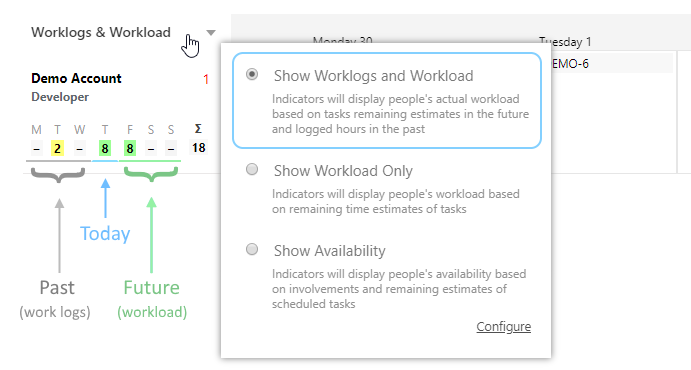
New "Worklogs & Workload" indicators mode that shows both work logs based on work log records and workload based on remaining issue estimate:
-
PAST: Indicators will display people's Logged hours
-
CURRENT: Indicators will display people's Logged hours and remaining estimate of the scheduled issues
-
FUTURE: Indicators will display people's Workload based on remaining estimates of issues in the future
-
-
New options for Worklog/Workload/Availability calculation
-
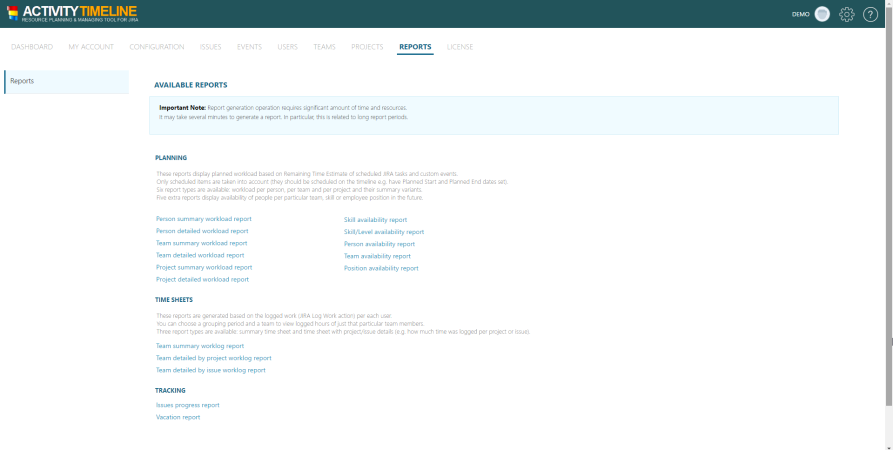
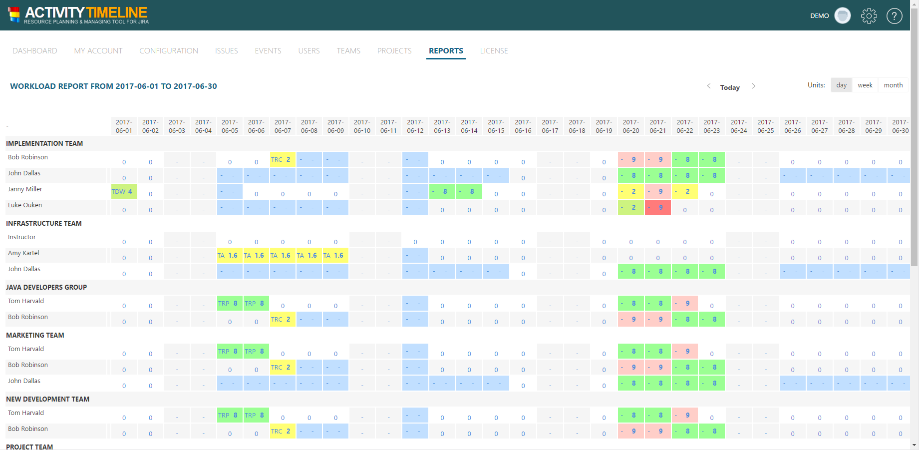
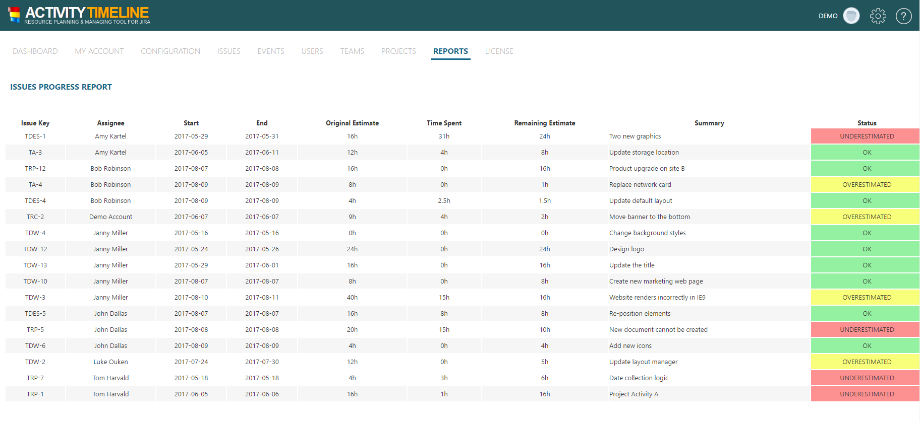
Multiple improvements in reports:
-
Possibility to select multiple teams to export in report
-
Possibility to select all or multiple projects to export in report
-
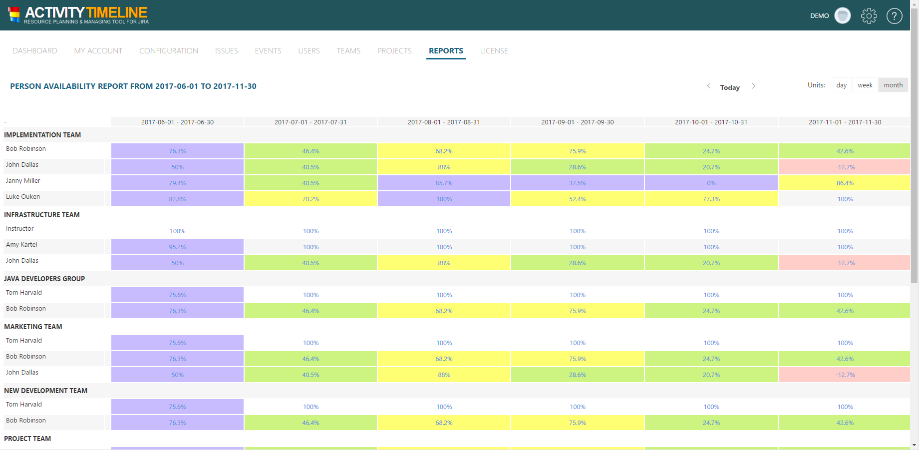
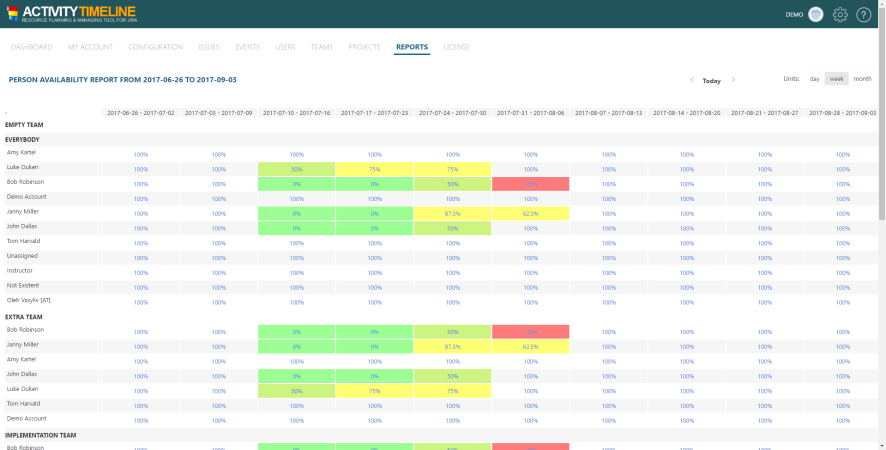
Possibility to include placeholders in Availability reports
-
Possibility to include bookings with project names and days off in Detailed Worklog reports
-
Back button in web reports to return to the report configuration page
-
Added "Excel" icon to web reports to generate Excel version of a report right from that web report page
-
Displaying user full names instead on usernames in availability reports
-
-
Implement Private/Shared/Public Bookmarked Reports
-
Private (only current user can view that report)
-
Shared(current user and any other Admin/Power user with a link can view that report)
-
Public (anyone with a link can view that report)
-
-
New authorization mechanism using Jira Cloud user's email address as login name and user's API Token as a password to login
-
A number of other improvements and bug fixes
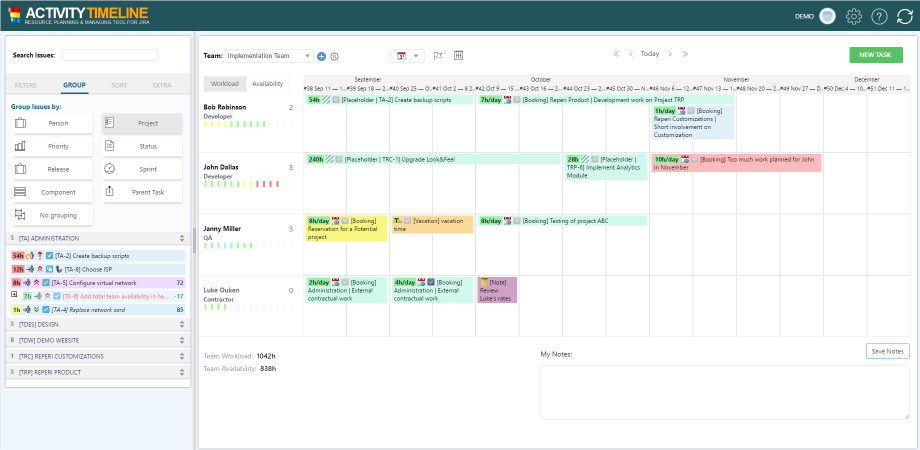
The new default Worklogs & Workload mode displays both past and future: work logs for past, workload for future (based on remaining estimate of scheduled issues):
Updated Worklogs Only mode displays only future workload based on remaining estimate of scheduled issues:

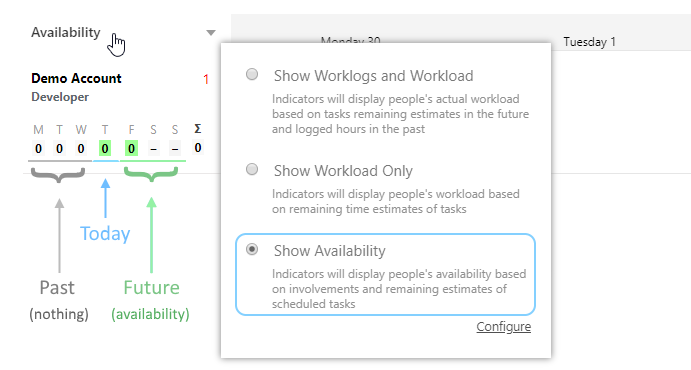
Availability mode displays how many hours the person is still available in future (how much work is capable to do):
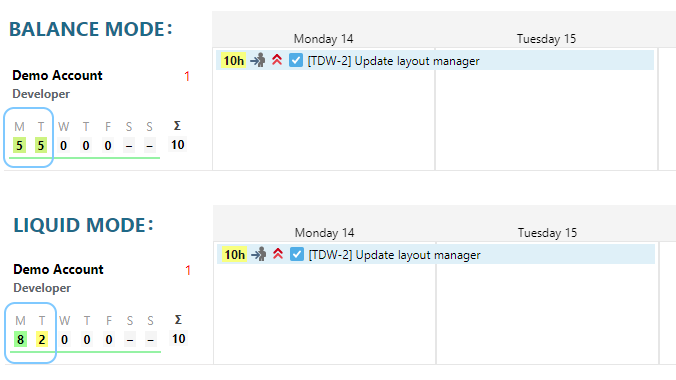
BALANCE vs LIQUID workload distribution mode (for future days)
(configured at AT Dashboard → Configuration → Workload Indicator → Workload Calculation Algorithm setting):
Other screen shots: